
Fix Grammar, Tone & Translate
in Any Mac App.
One Shortcut.
GrammaticAI is a system-wide AI writing assistant for Mac. Fix grammar, adjust tone, and translate text in any app — Slack, Gmail, Notion, or your browser — with a single keyboard shortcut. Bring your own AI: OpenAI, Claude, Gemini, or DeepSeek.
Free forever · No account required · Upgrade anytime
Instant Results
One shortcut away
Any Language
Multiple shortcuts
Your AI Choice
Multiple providers
How it works — three steps,
zero friction.
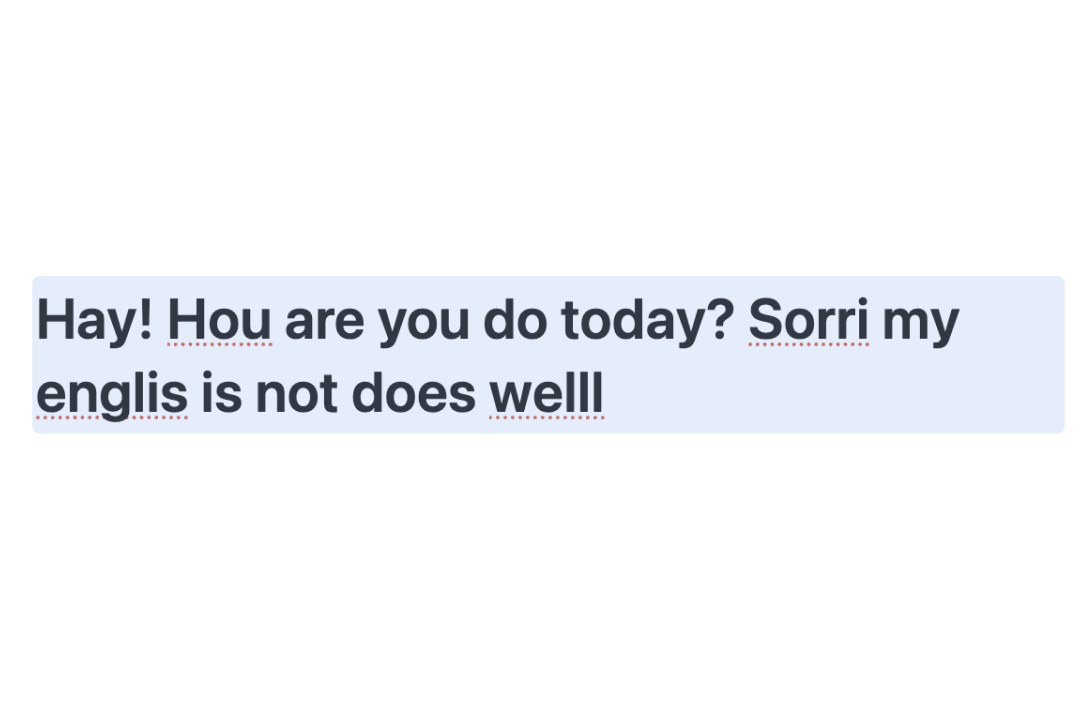
Select text anywhere.
In any macOS app. Slack, Gmail, Notion, or your browser.
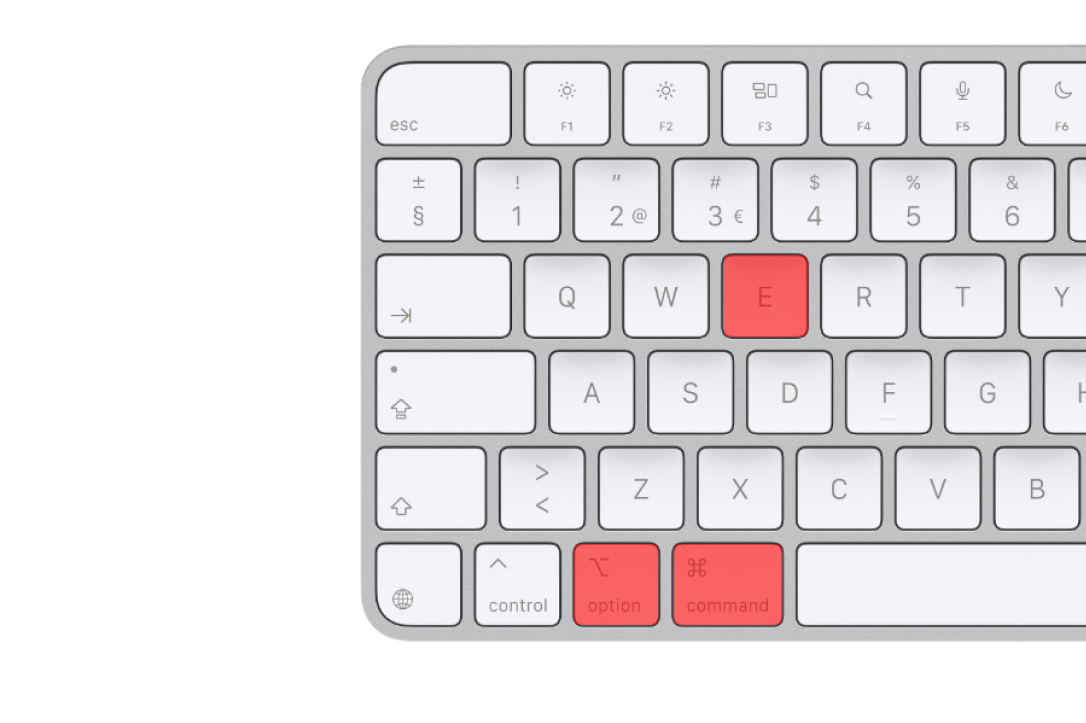
Press your shortcut.
A global keyboard shortcut you configure once.
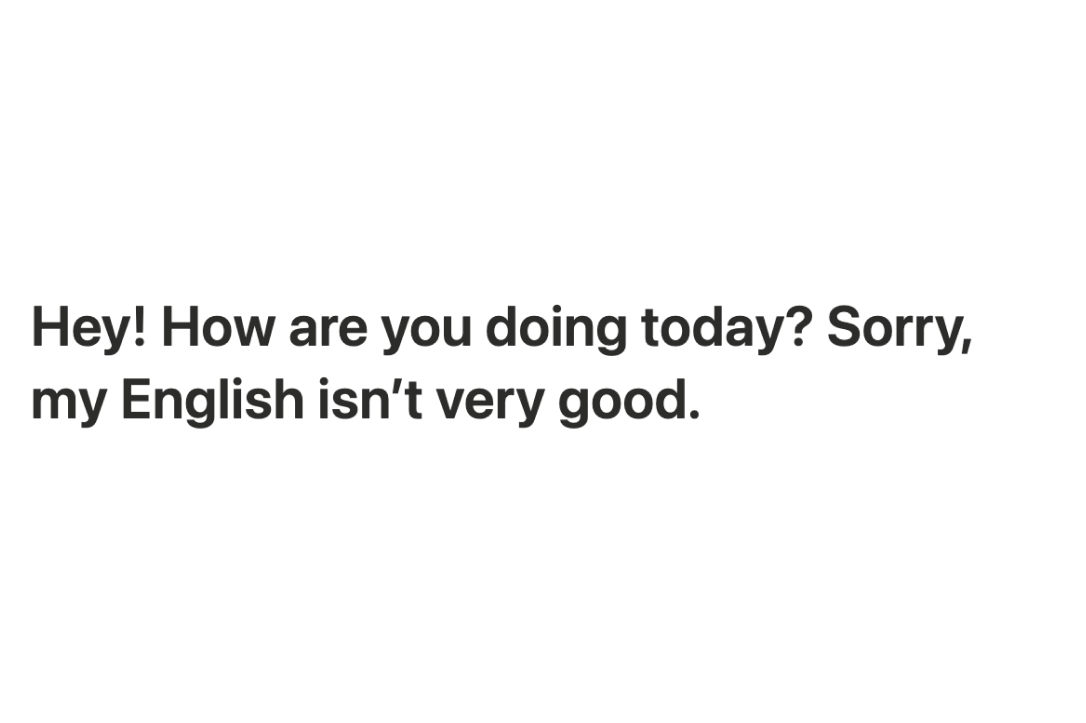
Done in one second.
Text is replaced instantly. Don’t like it? Press ⌘Z to undo.
Translate & rewrite in any language
with one shortcut.
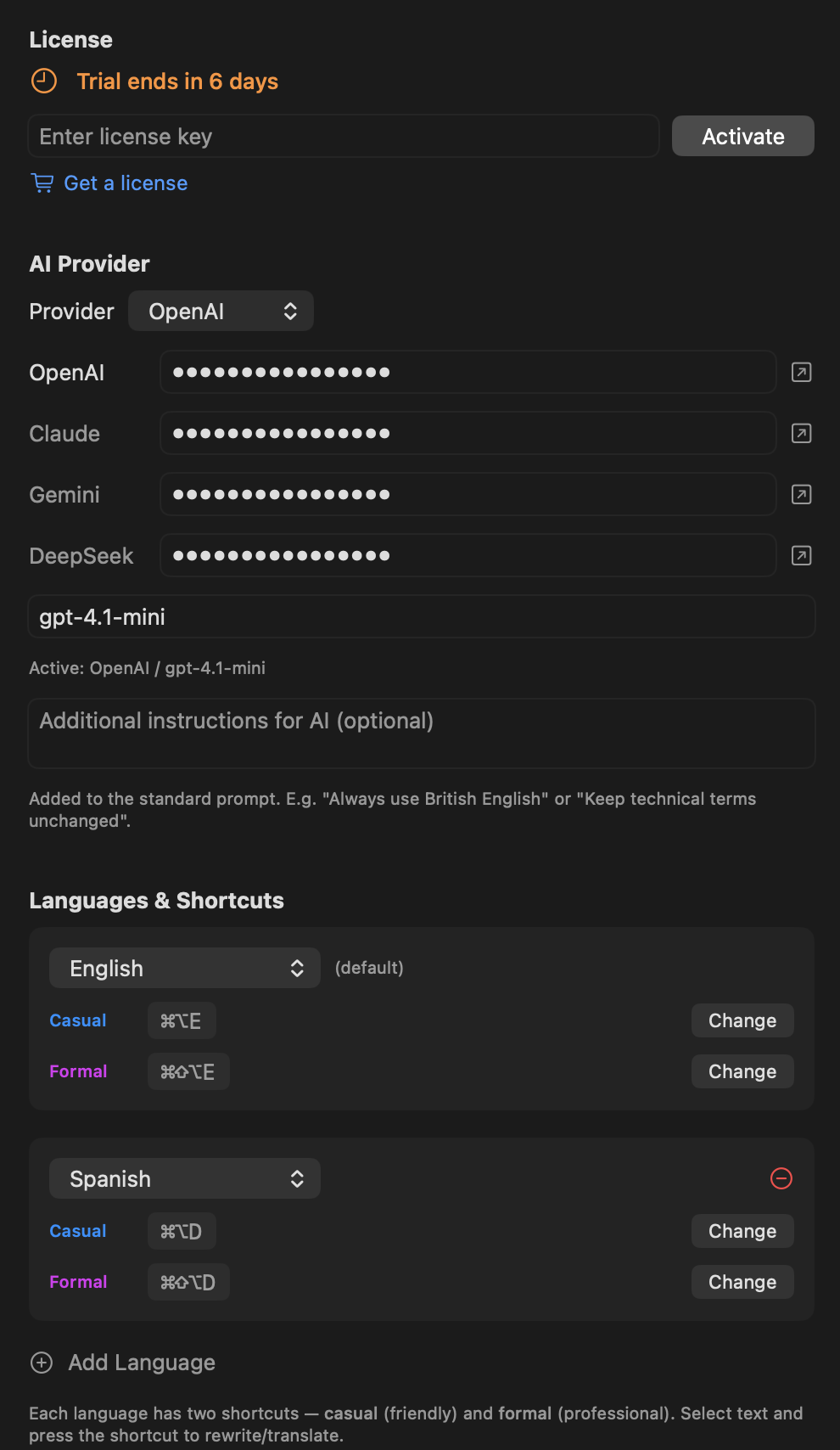
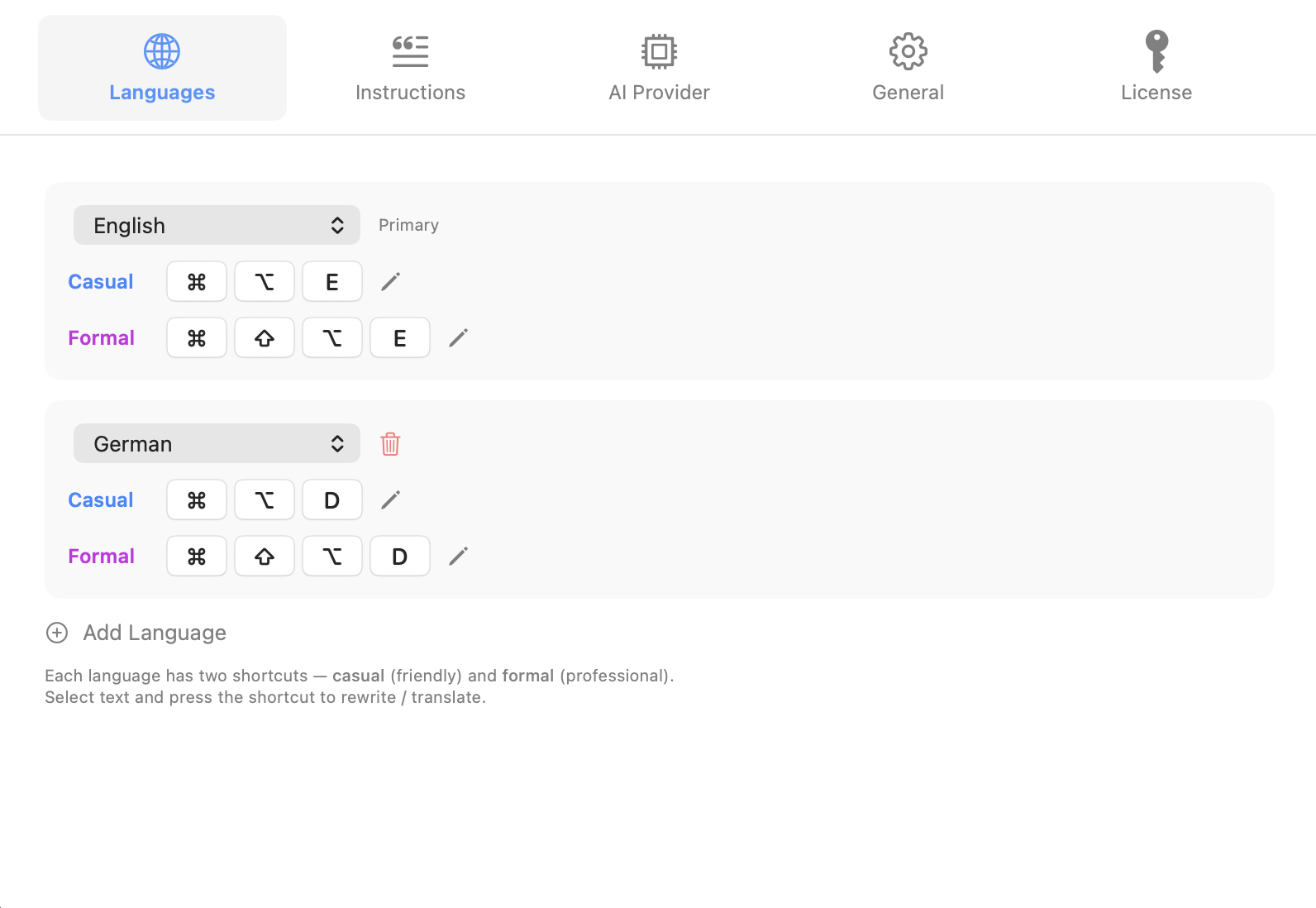
Add multiple output languages in Settings. Assign a unique keyboard shortcut to each one.
All shortcuts are customizable per language in Settings.
Settings Panel
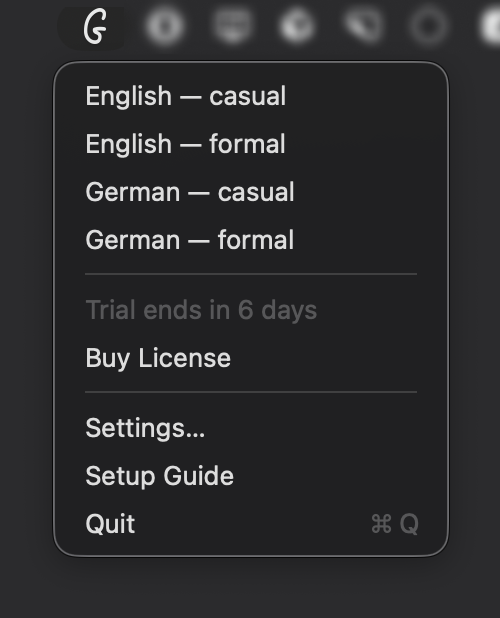
Menu Bar Dropdown
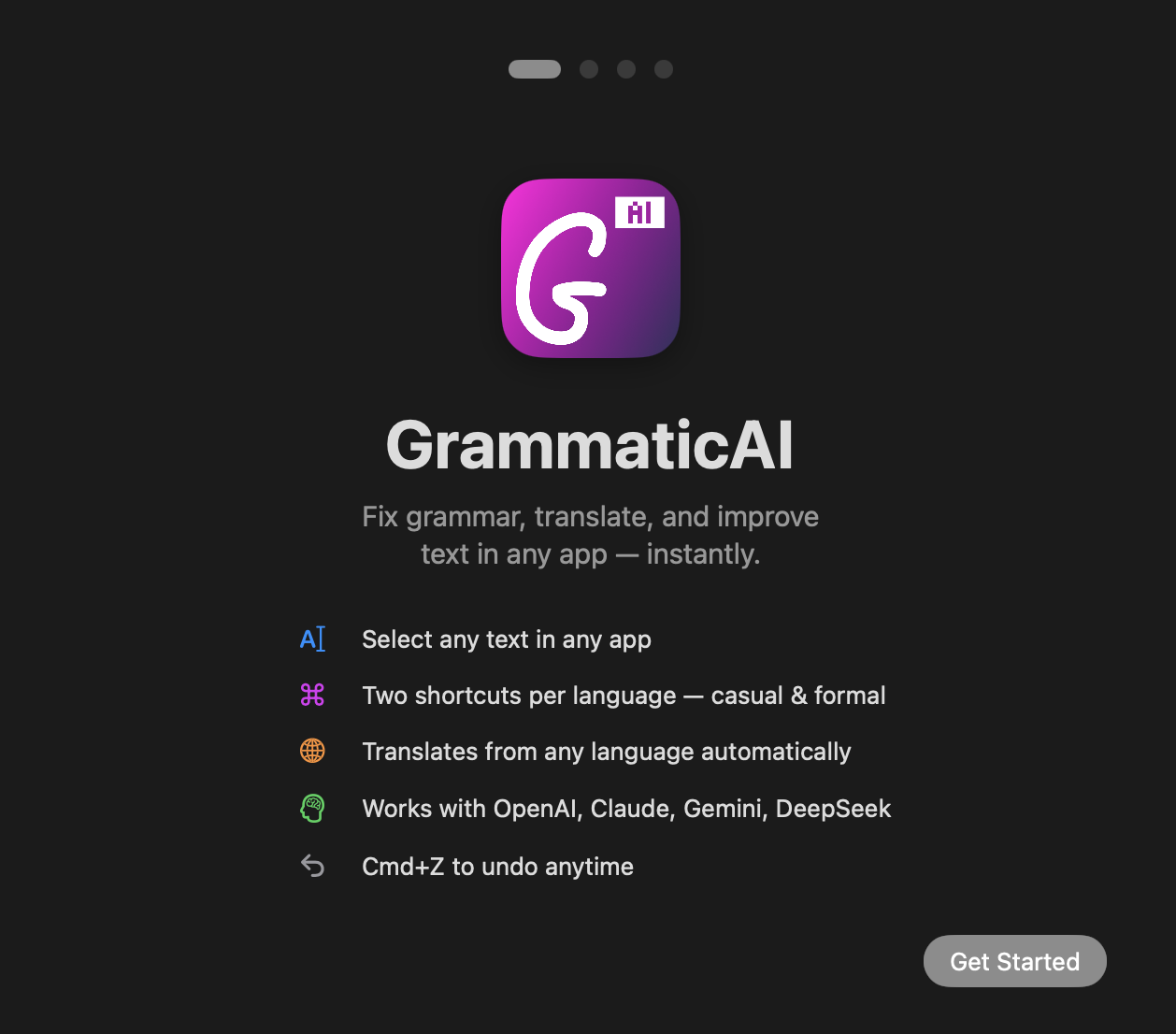
Setup Guide
Switch between casual & formal tone
instantly.
Each language has two tones. Add Shift to switch from casual to formal.
Casual
For personal chats and friendly messages.
Formal
Clear, neutral, and polished for professional use.
Works the same way for all languages — each language has its own shortcut key, Shift adds formality.
Shortcuts are customizable per language in Settings.
Use OpenAI, Claude, Gemini
or DeepSeek.
Supports major AI providers with API access. Choose your provider and switch anytime.
Simple Setup.
Total Control.
On first launch, a large centered onboarding screen guides you through setup. Clear, bold, impossible to miss.
Welcome to GrammaticAI
Let's get you set up in 4 quick steps.
Grant Permissions
Allow macOS accessibility access.
Add API Key
Connect to your preferred AI provider.
Choose Default Language
Set your primary output language.
Assign Shortcut
Pick your global keyboard shortcut.
Always in your
Mac menu bar.
After setup, GrammaticAI lives in your menu bar. Access all your languages and settings instantly.
Everything a Mac writing assistant needs.
Nothing you don't.
Works in Any App
Slack. Gmail. Notion. Linear. Browser. Everywhere.
Grammar & Clarity
Fix mistakes. Improve tone. Stay natural.
Multiple Languages
Add languages. Assign shortcuts. Switch instantly.
Instant replace
Text is replaced in about a second. Don’t like it? Press ⌘Z to undo.
Native Undo
Replaces via paste. ⌘Z works naturally.
Private by Design
Your data is never stored or shared. Direct to AI, nothing in between.
Pricing
Start free. Upgrade when you need more. Billed annually, cancel anytime.
Free
Free forever
Try GrammaticAI with basic features. No account or card needed.
No account required · macOS only
Premium
Everything just works. No API keys, no hassle. We handle the AI for you.
Billed annually · Secure payment via Stripe · Cancel anytime
Pro
Full control. Use your own API keys and choose any AI model.
Requires your own API key · Billed annually · Cancel anytime
Your Communication.
Fully Under Control.
One shortcut. Any app. Any language. Any tone.
Free forever · Upgrade anytime · Premium from $69/year
Frequently asked questions
Everything you need to know before you download.
Is GrammaticAI free?
Yes. The Free plan gives you 10 text improvements per day with no account and no credit card. Pro ($29/year) lets you bring your own AI API key for unlimited use, and Premium ($69/year) handles the AI for you — no key required.
Do I need my own AI API key?
Only on the Pro plan, which lets you connect your own OpenAI, Claude, Gemini, or DeepSeek key and pay the provider directly. The Free and Premium plans work out of the box — GrammaticAI handles the AI for you.
Is my text private?
Your selected text is sent straight to the AI provider to be rewritten and is never stored or logged on our servers. It goes direct to the AI, with nothing in between.
Does it work in every Mac app?
Yes. GrammaticAI works system-wide through a global keyboard shortcut — Slack, Gmail, Notion, Linear, Apple Mail, your code editor, and any browser. Select text, press your shortcut, and it's rewritten in place.
How is it different from Grammarly?
Grammarly mainly runs inside the browser and a handful of apps. GrammaticAI works in every macOS app via a shortcut, switches tone between casual and formal, translates across languages, and lets you choose your own AI model.
Which AI providers are supported?
OpenAI, Anthropic Claude, Google Gemini, and DeepSeek. Choose your provider in Settings and switch anytime.
Is GrammaticAI on the Mac App Store?
No — it's a direct download. To rewrite text system-wide in any app, GrammaticAI needs macOS Accessibility access, which App Store sandboxing doesn't allow. You download it straight from us.
What do I need to run it, and how do I cancel?
GrammaticAI runs on macOS 14 or later. Pro and Premium are billed annually and you can cancel anytime from the billing portal — access continues until the end of your billing period.